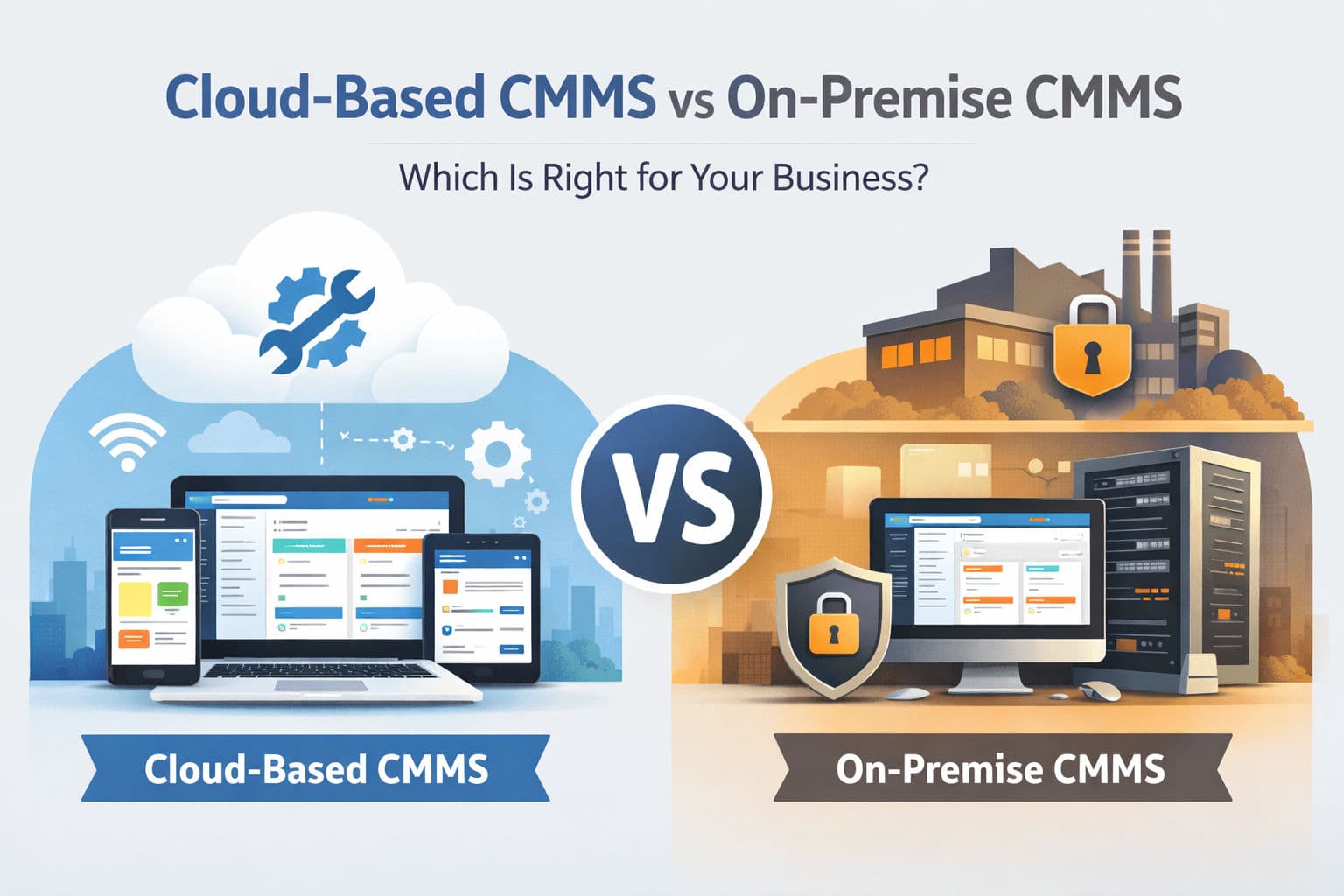

Choosing the right deployment model for your CMMS is no longer just an IT decision—it directly impacts operational efficiency, scalability, and long-term ROI. For SME owners and maintenance managers, the choice typically comes down to two options: Cloud-based CMMS (SaaS) On-premise CMMS This guide breaks down both approaches in a practical, decision-driven way—so you can confidently choose what fits your operations today and scales for tomorrow.
What Is a Cloud-Based CMMS?
A cloud-based CMMS is hosted on external servers and accessed via the internet. There’s no need to install software locally—users simply log in through a browser or mobile app.
Key Characteristics:
Hosted by the vendor (SaaS model)
Accessible from anywhere
Subscription-based pricing
Automatic updates and maintenance
Modern platforms like Servora are built cloud-native, meaning they are designed from the ground up for scalability, performance, and remote accessibility—not just “migrated” to the cloud.
What Is an On-Premise CMMS?
An on-premise CMMS is installed on your company’s internal servers and managed by your IT team.
Key Characteristics:
Hosted locally within your infrastructure
Requires upfront licensing
Manual updates and maintenance
Limited remote accessibility unless configured
This model was historically dominant but is becoming less common, especially among SMEs.
What Are the Key Differences Between Cloud-Based and On-Premise CMMS?
Deployment & Accessibility
Cloud-based: Access from anywhere (web + mobile)
On-premise: Typically restricted to internal networks
Cost Structure
Cloud-based: Lower upfront cost, subscription model
On-premise: High upfront cost (licenses, hardware, IT setup)
Maintenance & Updates
Cloud-based: Automatic updates handled by vendor
On-premise: Manual updates, IT dependency
Scalability
Cloud-based: Instantly scalable (users, locations, features)
On-premise: Requires infrastructure upgrades
Security
Cloud-based: Enterprise-grade security managed by provider
On-premise: Fully controlled internally (but requires expertise)
Why Are Most Businesses Moving to Cloud-Based CMMS in 2026?
The shift toward cloud is not a trend—it’s a structural change in how maintenance is managed.
1. Remote & Mobile Workforces
Maintenance teams are no longer desk-bound. Technicians need:
Work orders on mobile
Real-time updates
Offline capabilities in the field
Cloud-native systems like Servora support mobile-first and offline-first workflows, ensuring operations continue even without connectivity.
2. Faster Implementation
Cloud CMMS can be deployed in days—not months.
On-premise systems require:
Server provisioning
Network configuration
IT involvement
For SMEs, this delay directly impacts time-to-value.
3. Lower Total Cost of Ownership (TCO)
Cloud eliminates:
Hardware costs
IT maintenance overhead
Upgrade expenses
Instead, you pay a predictable subscription aligned with business growth.
4. Continuous Innovation (AI & Automation)
Modern CMMS platforms are evolving rapidly with:
Predictive maintenance
Smart scheduling
Asset performance insights
Cloud platforms enable faster rollout of these features. For example, solutions like Servora are integrating AI-driven predictive capabilities to help teams move from reactive to proactive maintenance.
5. Better User Adoption (UX Matters)
One of the biggest hidden failures in CMMS implementation is poor adoption.
Cloud-based systems prioritize:
Clean UI
Simple workflows
Minimal training
A strong UX—like what Servora emphasizes—directly translates to:
Faster onboarding
Higher usage
Better data accuracy
When Does an On-Premise CMMS Still Make Sense?
Despite the shift, on-premise can still be valid in specific scenarios:
1. Strict Data Control Requirements
Industries with heavy regulatory constraints may require full control over data storage.
2. Limited Internet Connectivity
Facilities in remote areas with no reliable internet may rely on local systems.
3. Existing IT Infrastructure Investment
Large enterprises with established infrastructure might prefer leveraging existing systems.
However, even in these cases, hybrid or cloud-first strategies are becoming more common.
What Are the Pros and Cons of Cloud-Based CMMS?
Advantages
✔ Access from anywhere
✔ Lower upfront cost
✔ Automatic updates
✔ Scalable with business growth
✔ Supports mobile & remote teams
✔ Faster innovation (AI, IoT integrations)
Disadvantages
✖ Requires internet (mitigated by offline-first apps)
✖ Ongoing subscription cost
What Are the Pros and Cons of On-Premise CMMS?
Advantages
✔ Full control over data and infrastructure
✔ No recurring subscription fees
Disadvantages
✖ High upfront cost
✖ Requires dedicated IT resources
✖ Limited scalability
✖ Slower innovation and updates
✖ Poor remote accessibility
How Do You Choose the Right CMMS for Your Business?
For SMEs and maintenance managers, the decision usually comes down to three factors:
1. Speed vs Control
Need fast deployment → Cloud
Need full control → On-premise
2. Team Mobility
Field technicians → Cloud is essential
3. Growth Plans
Planning to scale → Cloud provides flexibility
Is Cloud-Based CMMS the Future of Maintenance Management?
Yes—and it’s already happening.
Modern CMMS is no longer just about tracking work orders. It’s becoming:
A data-driven decision engine
A predictive maintenance platform
A strategic asset intelligence system
Cloud infrastructure is what makes this evolution possible.
Final Thoughts: Which One Should You Choose?
For most SMEs and modern maintenance teams, cloud-based CMMS is the clear winner.
It offers:
Faster deployment
Lower costs
Better usability
Continuous innovation
On-premise systems still have niche use cases, but they struggle to keep up with the pace of modern maintenance requirements.
Looking Ahead
As maintenance operations become more connected, mobile, and data-driven, the tools you choose today will define your efficiency tomorrow.
Platforms like Servora are designed to align with this shift—combining cloud-native architecture, mobile-first usability, and upcoming AI-driven capabilities to support the next generation of maintenance management.